> For the complete documentation index, see [llms.txt](https://docs.popl.co/introduction/llms.txt). Markdown versions of documentation pages are available by appending `.md` to page URLs; this page is available as [Markdown](https://docs.popl.co/introduction/integrations/slack-integration/send-a-test-notification.md).
# Send a Test Notification
Send a test notification to slack to confirm setup
#### Create a Test Lead
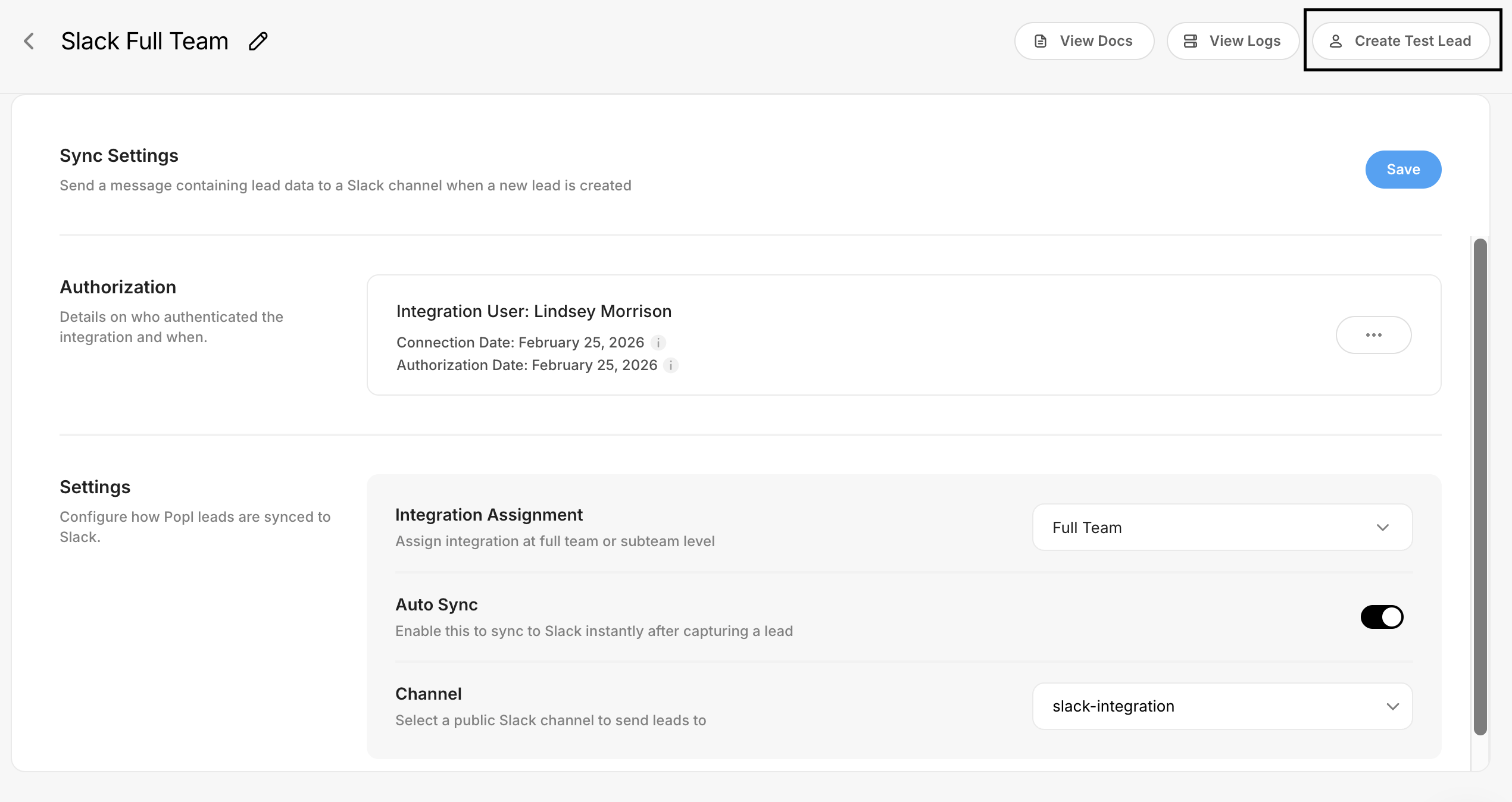
Select the **Create Test Lead** button at the top right of the Slack integrations settings page.
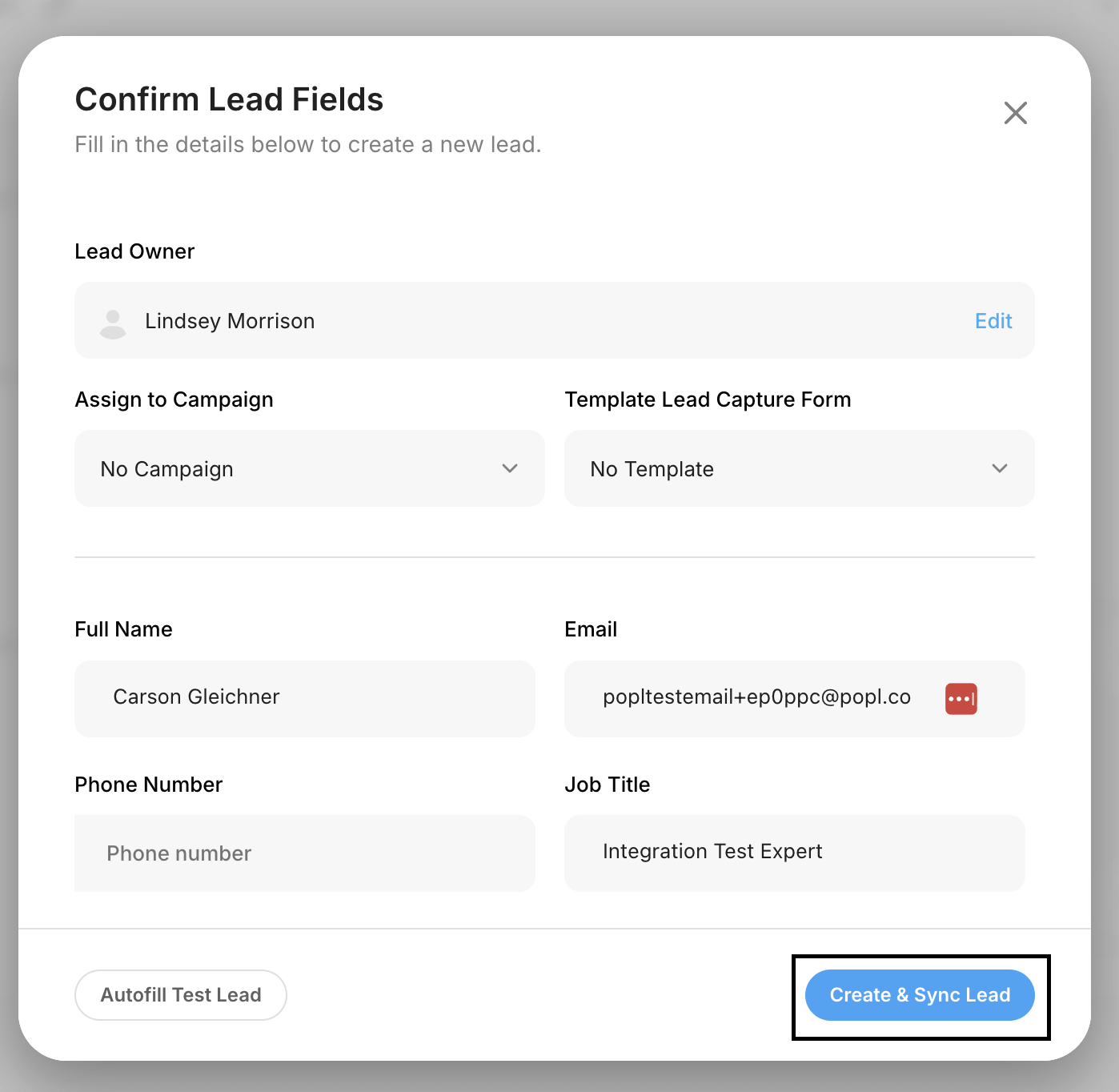
A pop-up will appear with test data. Click **Create & Sync Lead** to generate a test lead, which you can then review in your connected slack channel. The test lead will appear on the Leads page within your dashboard.
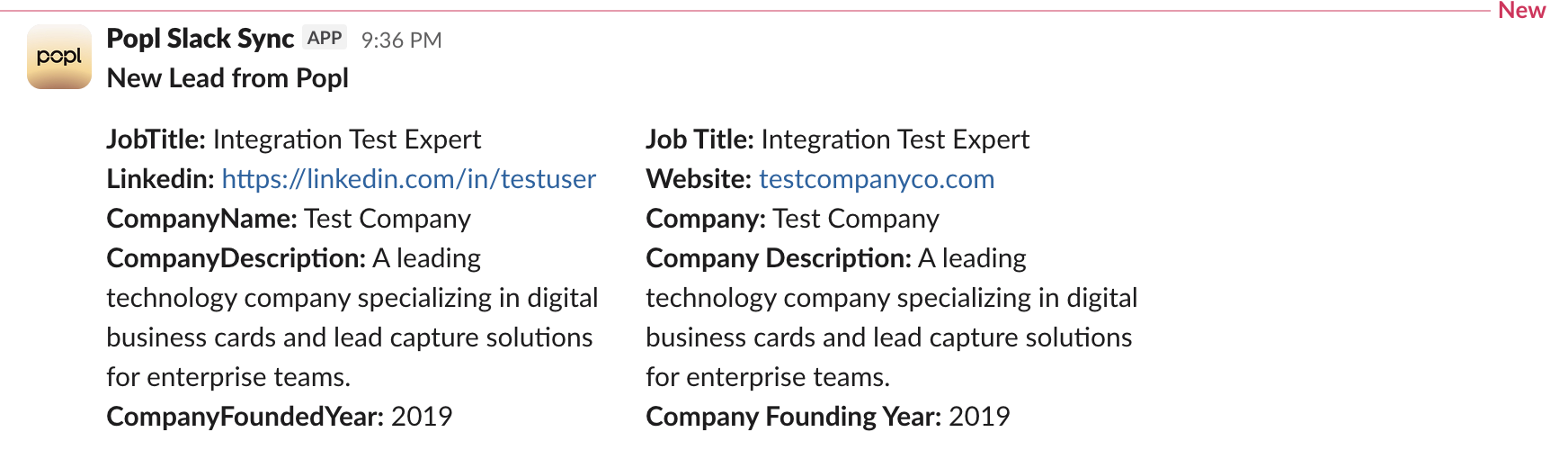
Once the test lead is created and synced you will get a notifcation in your connected slack channel for the test lead.
***
#### **Need Help?**
Contact Popl Support – our team is available to assist at .
With 🤍 from Popl.